introduction:
Diving into tech can feel overwhelming, especially if you’re just starting out. Whether you’re a student, hobbyist, or career switcher, the good news is you don’t need a big budget. The best free tech tools for beginners make it easy to code, design, edit videos, manage projects, and more all without spending a dime.
These tools lower barriers, letting you experiment and build skills fast. In this guide, we’ll explore 15 top picks across categories like coding, design, productivity, and AI. Each includes why it suits newbies, key features, and quick-start tips. By the end, you’ll have a toolkit to kickstart your tech journey.
Why Choose Free Tech Tools for Beginners?
Free doesn’t mean basic. Many free tech tools for beginners come from industry giants like Google, Microsoft, and open-source communities. They offer pro-level features with optional upgrades, perfect for testing waters.
Beginners benefit from intuitive interfaces, tutorials, and communities. Tools evolve quickly think AI integrations in 2026 keeping you current without costs. Plus, they build habits like daily practice, tying into self-improvement by boosting confidence and efficiency.
Coding and Development Tools

Coding is tech’s gateway. These free tech tools for beginners provide code editors, debuggers, and hosting without complexity.
Visual Studio Code (VS Code)
VS Code tops lists for free tech tools for beginners in coding. Microsoft’s editor runs on Windows, Mac, or Linux, supporting 100+ languages like Python, JavaScript, and HTML.
Key features: Extensions marketplace (e.g., GitHub Copilot for AI hints), built-in terminal, and live preview. Newbies love the customizable themes and IntelliSense for auto-complete.
Quick start: Download from code.visualstudio.com, install Python extension, and type “print(‘Hello World’)” to run instantly. Communities like Reddit’s r/vscode offer free help.
Replit
Replit is an online IDE no installs needed. Ideal for free tech tools for beginners wanting instant collaboration.
Run Python, HTML/CSS/JS, or even multiplayer projects. AI repls suggest code in 2026 updates.
Pro tip: Fork templates for games or apps; share links for feedback.
GitHub
Version control made simple. GitHub hosts code for free, with repositories and pull requests.
Beginners use it for portfolios. Free tech tools for beginners like this teach collaboration essential for jobs.
Start a repo, commit changes, and explore 100M+ open projects.
Graphic Design and Image Editing
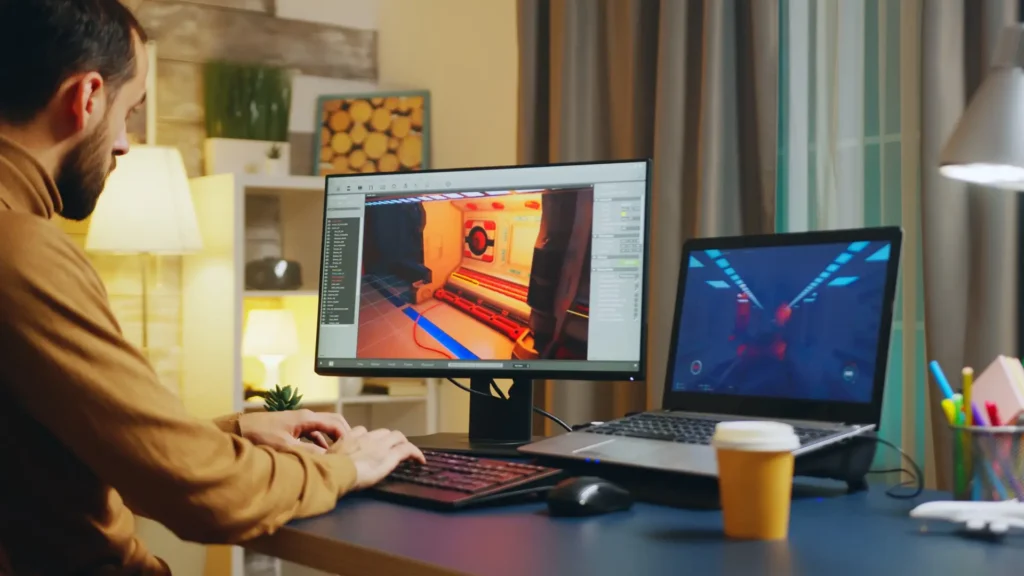
Create visuals without Adobe prices. These free tech tools for beginners rival paid suites.
Canva
Canva democratizes design. Drag-and-drop for posters, social graphics, or presentations.
Magic Studio AI generates images from text. Free tier includes templates and exports.
Beginner win: Search “resume template,” customize, download PNG/PDF. Perfect for marketers or content creators.
GIMP
Photoshop alternative. Open-source GIMP edits layers, masks, and effects.
Steep curve? Tutorials abound. Handles RAW photos and batch processing.
Install via gimp.org; try cloning tools on selfies.
Inkscape
Vector graphics king. Draw logos or icons with paths and shapes.
SVG export suits web use. Free tech tools for beginners like this scale infinitely.
Video and Audio Editing
Content creation booms. Edit like pros with these free picks.
DaVinci Resolve (Free Version)
Hollywood-grade from Blackmagic. Cut clips, color grade, add effects.
Free version supports 4K, audio mixing. Tutorials on YouTube.
Start here: Import phone footage, apply transitions, export for TikTok.
Audacity
Audio powerhouse. Record podcasts, edit noise, add effects.
Multi-track, plugins galore. Export MP3/WAV.
Clean voiceovers effortlessly.
CapCut
TikTok’s editor, now desktop. AI captions, effects, music library.
Mobile-web sync. Quick for short-form video.
Productivity and Note-Taking
Stay organized amid learning.
Notion
All-in-one workspace. Databases, wikis, calendars.
Free for individuals. Templates for habit trackers or course notes.
Hack: Build a “Tech Learning Dashboard” with progress bars.
Obsidian
Markdown notes with graph views. Links ideas like a brain.
Local files, plugins. Free tech tools for beginners for knowledge graphs.
Google Workspace (Docs, Sheets, Drive)
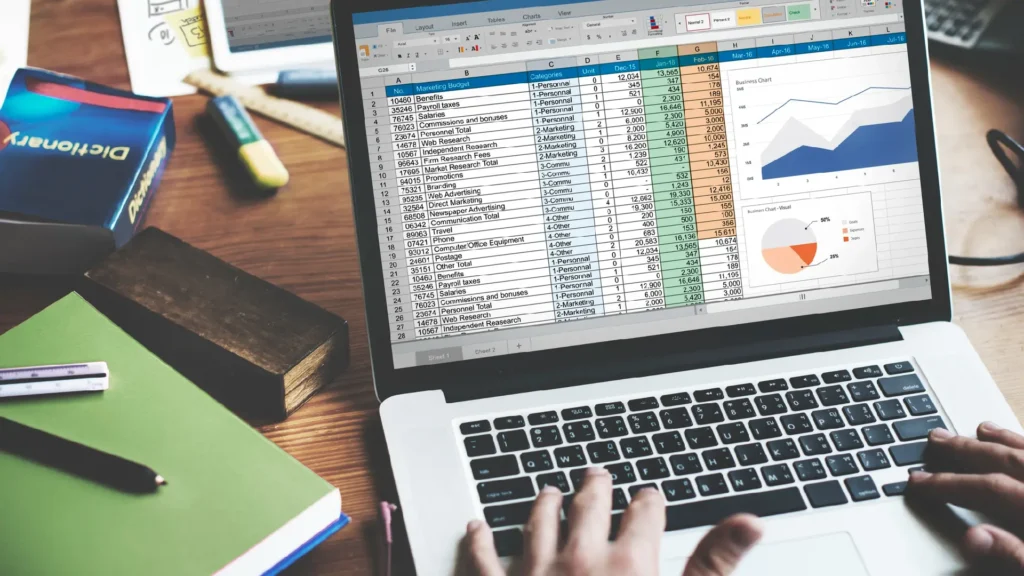
Docs for writing, Sheets for data, 15GB free storage.
Real-time collab. Scripts automate tasks.
AI and Automation Tools
2026’s edge: AI without fees.
ChatGPT (Free Tier)
OpenAI’s chatbot. Code help, explanations, brainstorming.
Prompt: “Explain Python loops for beginners.”
Daily limits generous.
Google Gemini
Gemini’s multimodal AI. Analyze images, generate code.
Integrated in Google apps.
Zapier (Free Plan)
Automate workflows. Connect Gmail to Notion.
100 tasks/month free.
Web Development and Hosting

Build sites fast.
WordPress.com (Free)
Themes, plugins. No coding needed initially.
Host blogs showcasing projects.
Netlify
Deploy static sites from GitHub. Free bandwidth.
Drag-drop uploads.
Figma (Free Tier)
UI/UX design. Prototype apps collaboratively.
Unlimited projects.
Learning and Collaboration Platforms
Master skills.
freeCodeCamp
Interactive coding certs. 10,000+ hours free.
Responsive design projects.
Discord
Tech communities. Servers for beginners.
Voice chats, screen shares.
Trello
Kanban boards. Free for basics.
Track learning goals.
FAQs
1. What are the best free tech tools for beginners?
Google Docs, Canva, ChatGPT, Notion, Trello, VS Code, and Google Drive are some of the best free tools for beginners.
2. Are free tech tools good for beginners?
Yes, free tools are perfect for learning basic tech skills without spending money.
3. Do beginners need technical knowledge to use these tools?
No, most free tech tools are beginner-friendly and easy to use.
4. Which free tools help with productivity?
Notion, Trello, Google Docs, and Google Calendar are great for productivity.
5. What is the best free design tool for beginners?
Canva is the best free design tool for beginners.
6. Can beginners use free tools for freelancing?
Yes, many beginners start freelancing using free tools.
7. Are free tech tools safe to use?
Popular free tools are safe if used from official websites.
8. Can free tools replace paid tools for beginners?
Yes, free tools are enough for beginners and early learning stages.
Final Thoughts on Free Tech Tools for Beginners
These free tech tools for beginners transform novices into creators. Start with 2-3 matching your goals—VS Code for coding, Canva for design then expand. Join forums like Reddit’s r/learnprogramming for support.
Track progress weekly; consistency builds momentum. In 2026, AI enhancements make them even smarter. Your tech adventure starts now pick one and dive in!